PREREQUISITES:
- Time: 2 min
- Access: Sidekick AI
- Impact: High
The “One-Hit Wonder” VIP
It is 5x more expensive to acquire a new customer than to keep an old one. Yet, many stores allow their highest-spending customers to drift away simply because they don’t have a visual “radar” to spot the silence. A VIP who spent $500 three months ago is an asset at risk. If you aren’t tracking Days Since Last Purchase (DSLP) specifically for your top-tier spenders, you’re leaving your most predictable revenue to chance.
The Sidekick Solution
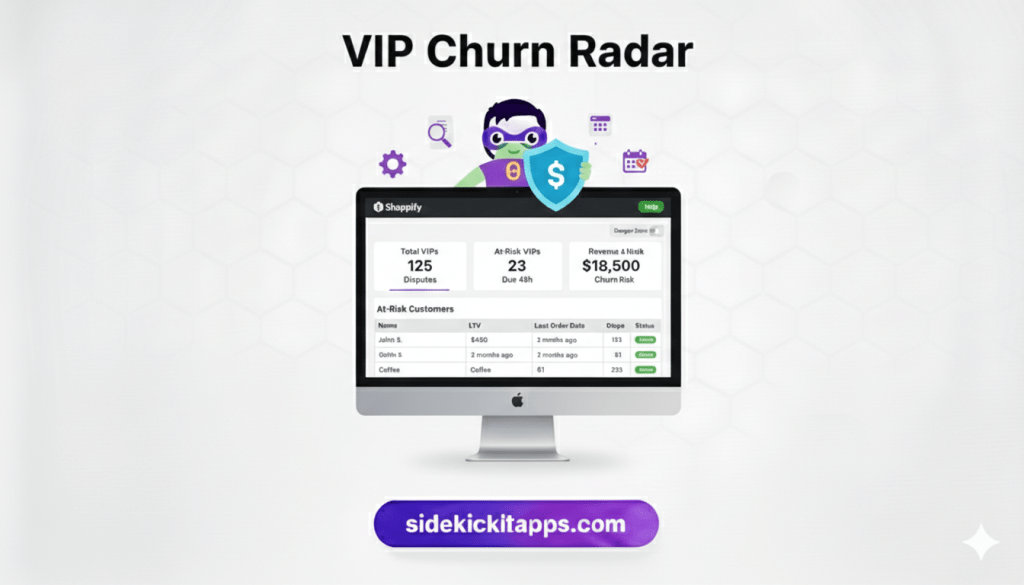
The VIP Churn Radar is an early-warning system for your customer base. It automatically segments your high-value customers and flags them the moment they cross into a “Danger Zone” of inactivity. By pulling their specific purchase history into one view, it allows you to reach out with a personalized reason to return, turning “ghosts” back into active buyers.
The Exact Prompt
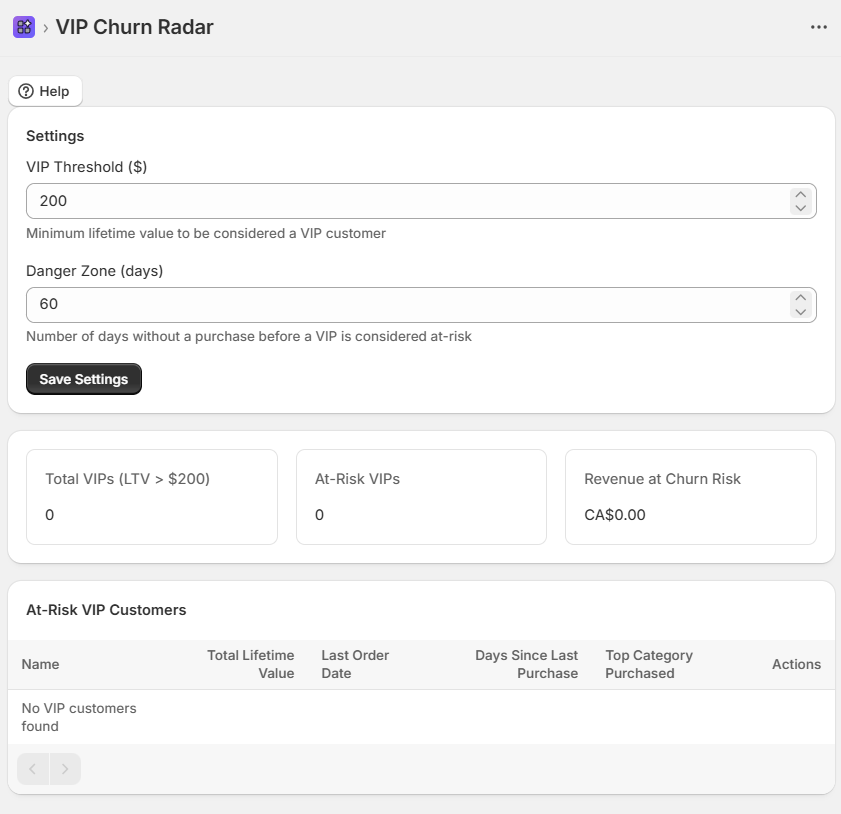
Build a custom Shopify admin app called "VIP Churn Radar" that identifies high-value customers at risk of churning with the following requirements:1. MAIN DASHBOARD:3 Analytics Cards:"Total VIPs" (Count of customers with LTV > $200)"At-Risk VIPs" (VIPs with no purchase in the last 60 days)"Revenue at Risk" (Sum of LTV for all At-Risk VIPs)2. AT-RISK CUSTOMER TABLE:Columns: Name, LTV (Total Spent), Last Order Date, DSLP (Days Since Last Purchase), and Top Category.Include a "Danger Zone" slider in the settings (default 60 days) to dynamically filter the table.3. CUSTOMER INSIGHTS & ACTIONS:Calculate "Top Category" by identifying the collection or product type the customer has purchased most frequently.Include a "Draft Outreach" button for each row that generates a summary of the customer's favorites and last purchase to assist in personalizing a re-engagement email.4. TECHNICAL REQUIREMENTS:Use the customers GraphQL query; filter using total_spent and last_order_date.Store the "Danger Zone" threshold and VIP LTV minimum in shop metafields (namespace: 'sidekick', key: 'churn_settings').Ensure the table handles pagination if more than 50 VIPs are at risk.
copy the contents above to past into Sidekick
How It Works: The Retention Logic
- LTV Segmentation: The app scans your customer database to find “VIPs” based on a lifetime spend threshold (e.g., $200+).
- Inactivity Monitoring: It calculates the delta between today and the customer’s
last_order_date. - The Radar Trigger: Once a VIP exceeds the “Danger Zone” (e.g., 60 days of silence), they are populated on your dashboard.
- Contextual Recovery: Instead of a generic “We Miss You” blast, the app identifies their Top Category, allowing you to send a highly relevant update about new arrivals or refills in the specific department they love.
Defining “VIP”
Every store has a different “High Value” marker. If you sell luxury watches, a VIP might be $5,000+. If you sell coffee, it might be $150. Adjust the LTV threshold in the settings to match your specific business model.
The Consumable Cycle
If you sell products that run out (like skincare or supplements), set your “Danger Zone” to match your product’s lifespan. If a bottle lasts 30 days, your radar should trigger at 35 days.
Common Questions
How is LTV calculated?
It uses the total_spent field from the Shopify Customer object, which accounts for all successful historical orders.
Can I send the emails directly from the app?
This version is designed to provide the data and context for high-touch outreach. You can use the “Draft Outreach” summary to send a truly personal message via your preferred email tool.
What defines the “Top Category”?
The app looks at the product_type or collection associated with the customer’s most frequent orders to help you suggest the most relevant products.
The Sidekick Challenge: Identify the top 5 “At-Risk” customers on your radar today. Send them a personal, plain-text email mentioning their favorite category—no discount code needed—and see how many respond to the personal touch!
 Every Shopify Hero Needs a Sidekick.